Paste several answers at once
Put each question on the first line, the answer underneath and a blank line between pairs. The importer adds editable items and strips common Q: and A: prefixes.
Clear FAQ Blockv1.0.0 · Source ZIP
Clear FAQ Block turns a list of questions and answers into an editable WordPress accordion. Paste your draft, choose a design and publish a FAQ built on the browser’s native disclosure controls.
For small businesses publishing service, delivery, booking or onboarding answers.
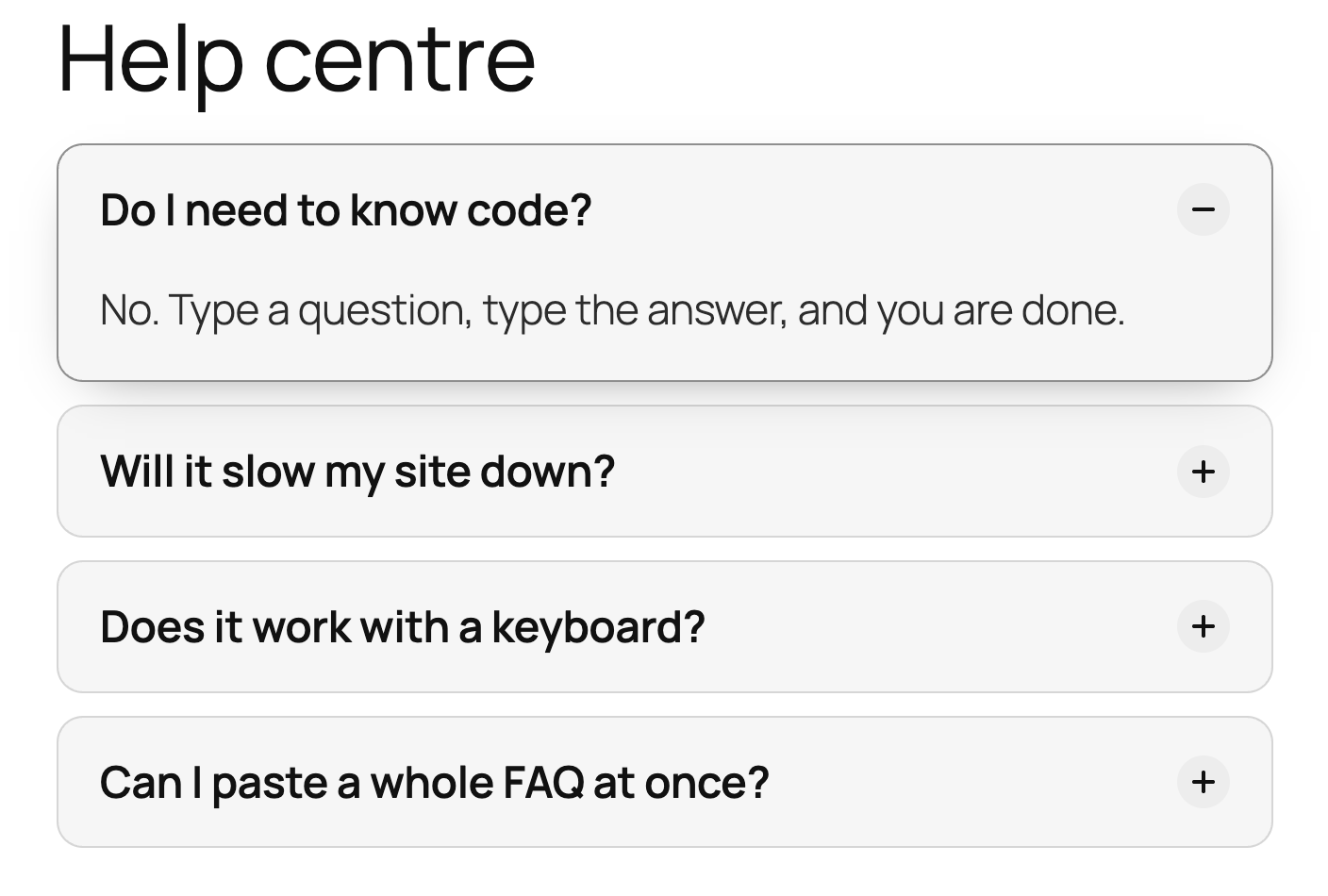
You already know the questions customers keep asking. Put those answers on the page where they need them. Clear FAQ keeps the editing inside WordPress and the published accordion simple.
Put each question on the first line, the answer underneath and a blank line between pairs. The importer adds editable items and strips common Q: and A: prefixes.
Pick Cards, Lines or Minimal. Use an accent colour from the theme palette, reorder questions, duplicate an item or remove an answer you no longer need.
Published items use native details and summary elements. The plugin loads styling but no front-end JavaScript; optional one-open-at-a-time behaviour depends on browser support.
Step-by-step tutorial
The GitHub ZIP already contains the built block files. Site owners can install it directly; Node.js and a build command are only needed when changing the source.
Get the source ZIP ↗Download Clear FAQ Block. In WordPress, choose Plugins → Add New → Upload Plugin, upload the ZIP and activate it. The required build/ folder is included.
Edit a page or post in the WordPress block editor. Open the block inserter, search for Clear FAQ and insert it where customers need the answers.
Select the block and open Paste a list in its settings sidebar. Paste one question followed by its answer, leaving a blank line between pairs. Select Add questions or the numbered Add button. Existing filled items are kept.
Edit the answers in place. In the sidebar, choose Cards, Lines or Minimal, then select an accent colour. You can enable Keep one answer open at a time and Open the first question.
If another plugin outputs schema for this same FAQ, turn off Add FAQ schema for search engines here. Preview the page at desktop and phone widths, use Tab and Enter to open an answer, then publish when the content is ready.
Choose the right tool
Before you install
No. The current GitHub source ZIP includes the build folder. Install that ZIP in WordPress. Developers changing the React or stylesheet source should rebuild the assets.
The plugin does not enqueue front-end JavaScript for the accordion. It uses native browser elements and a stylesheet. Your theme and other plugins may still load their own scripts.
Yes. Each exclusive accordion block gets its own group name so opening an answer in one block does not close an answer in another supported block.
There is no such guarantee. Google limits FAQ rich results to certain authoritative government and health sites. Publish accurate, useful answers and treat schema as optional descriptive markup.
The paste importer treats the pasted text as text and escapes HTML. Edit the imported answers in the block after adding them.
Your site. Your data. The full source.
Download the source ZIP, read the setup guide and try the workflow on your staging site.
Found a reproducible problem? Open a GitHub issue. Keep customer records and credentials out of public reports.
Need help with an integration? Talk to MemberFix Studio.